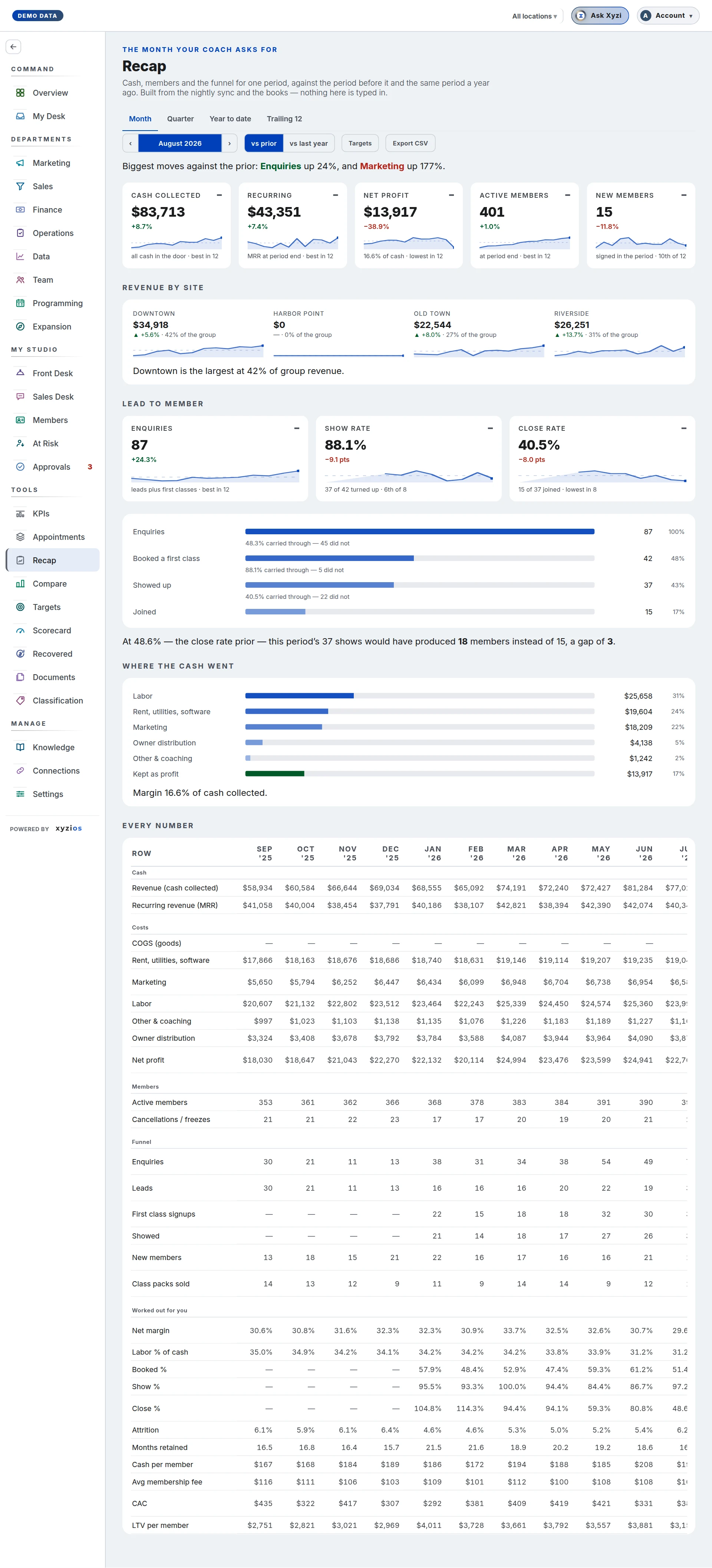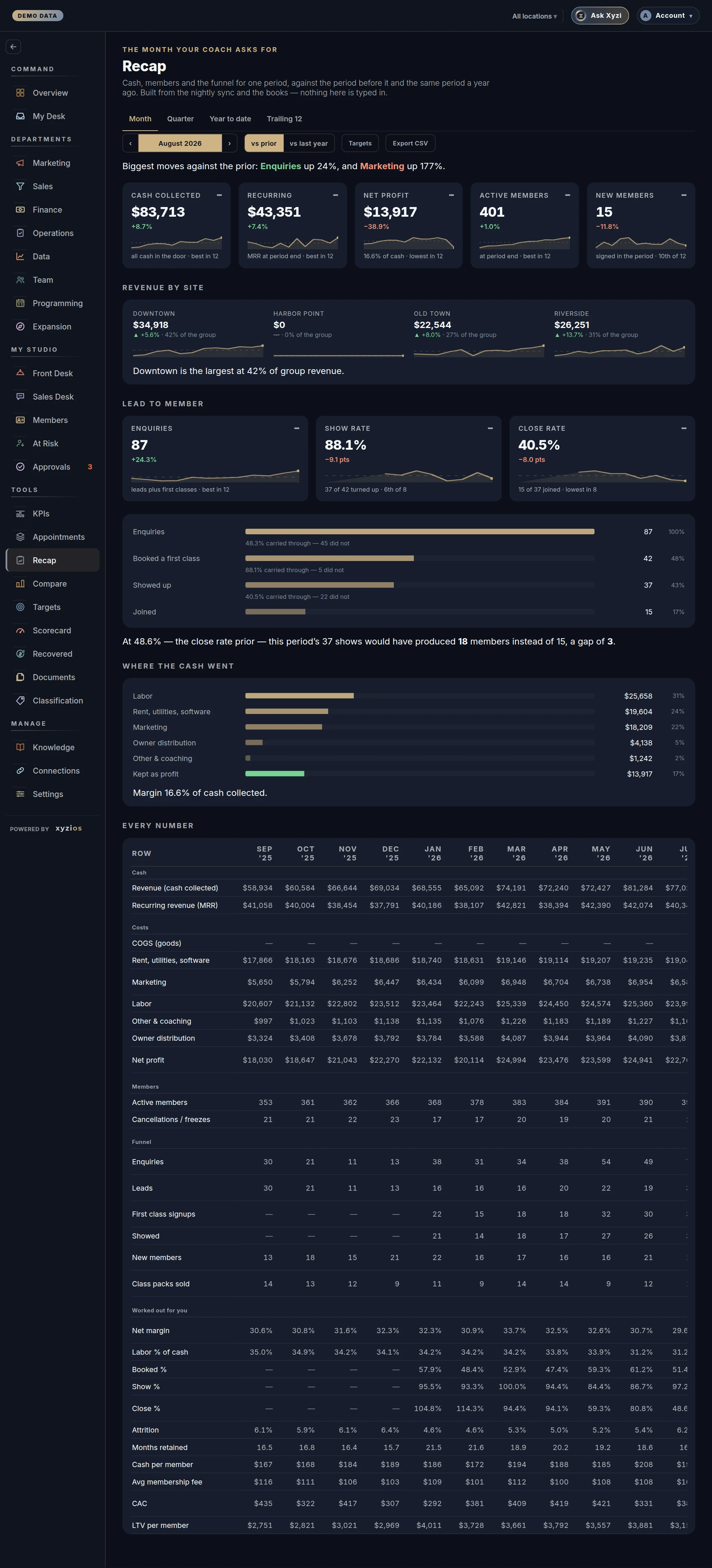

What this board answers
What did the studio do this period: cash, members, the funnel and where the money went, against the period before it and the same period last year? It is the sheet a coaching program asks owners to fill in every month, produced from the nightly sync and the books instead of by hand. Because it carries revenue, costs and net profit it is part of the finances: only people with See financials receive it.
How to read it
The location switcher picks the whole company or one site. Under the title, Period picks the window from the standard list, by the month, each with its dates: Month to date, Quarter to date, Year to date, Previous month, Previous quarter, Previous year, and Last 6 months and Last 12 months, the latest full months. Each is a month, a quarter, a year or the 6 or 12 full months to the previous month, and the table’s columns are the eleven of the same before it. Beside it, Filter picks a past one of the same kind, newest first: a past month, quarter or year, or six or twelve months to an earlier month. The period’s own is first, marked with its name, and only whole ones are listed. A pick shows on the button as Filter (1), the line under the row says Showing and the period, and Back to under the list (or picking the period again) returns to it. The next dropdown picks vs prior or vs last year. Targets and Export CSV sit at the end of the row. The board opens on Previous month, the newest month that is over. A month still running (Month to date) says so and is compared against nothing, and its cost rows fill once the books close.
Five tiles come first: 1Cash collected, 2Recurring (MRR at period end), 3Net profit (with margin, or why there is none: books not closed, no books connected or no cash collected to measure against), 4Active members and 5New members. Each shows its change against the comparison, a sparkline of the last twelve periods and where this one sits among them, such as best in 12. A tile with no figure reads not reported.
6Revenue by site appears on the all-locations view of a multi-site studio: each site’s cash, its change and its share of the group.
7Lead to member shows Leads, Show rate and Close rate, then the funnel: Leads, Booked a first class, Showed up, Joined, with the share carried through between each pair and how many did not. When the close rate moved, a line says how many members the comparison period’s rate would have produced.
8Where the cash went is a bar per cost line (COGS (goods), Rent, utilities, software, Marketing, Labor, Other & coaching, Owner distribution) plus Kept as profit, with the margin sentence beneath. Labor is every payroll line wherever your accountant filed it, instructor pay booked under cost of sales included; COGS (goods) is the goods and materials in that section, so the two never carry the same dollars and the cost rows add up to your books’ expenses.
Every number is the table: every row across the last twelve periods with a Change column, in bands Cash, Costs, Members, Funnel and Worked out for you (net margin, labor %, booked, show and close %, attrition, months retained, cash per member, average fee, CAC, LTV). A blank cell carries its reason beside the row label. A note under the controls says when a month’s costs come from the bank feed and are preliminary.
What to do here
Nothing here is typed in, so the board is read-only apart from two conveniences.
- Press Targets to open a box where you can type a target for the main figures; the tiles then show % of target and a colour. These live in this browser only and are not saved to the studio.
- Press Export CSV to take the table away.
- If a cost row reads Not yet categorized, place those labels in Settings › Expense categories. Not itemized by your books is your bookkeeper’s to fix.
- To change a number, change its source: the revenue plan on Targets, product rules on Classification, the books in your accounting platform.
Common questions
Why is this month marked as running?
It is not over and its costs are not in yet, so nothing is compared against it. Pick Previous month for the newest month that is over, or an older one in Filter.
Why are MRR, cancellations, attrition and LTV blank on a site?
Where a studio holds those only for the whole company, a site tab cannot show them, and the rows worked out from them go blank too. The row label says which.
What does a dash in the table mean?
Point at it: every blank carries its reason, such as no books connected, the month before a site’s books were split, a cost rule that keeps the line company-wide, nobody cancelling (so there is no churn rate to divide by), or first classes counted from a later month.
How is attrition worked out?
Cancellations in the period divided by the members at its start. Months retained is one divided by attrition, and LTV is cash per member per month times months retained.
Why does a bank-feed month look different from the closed one before it?
Until the books close, costs are the bank’s outflows, split across sites by each site’s booking revenue. They are preliminary and the note says so.
Who can see this?
Owners, admins and anyone granted See financials. A Director without it does not get the board at all.