
What this board answers
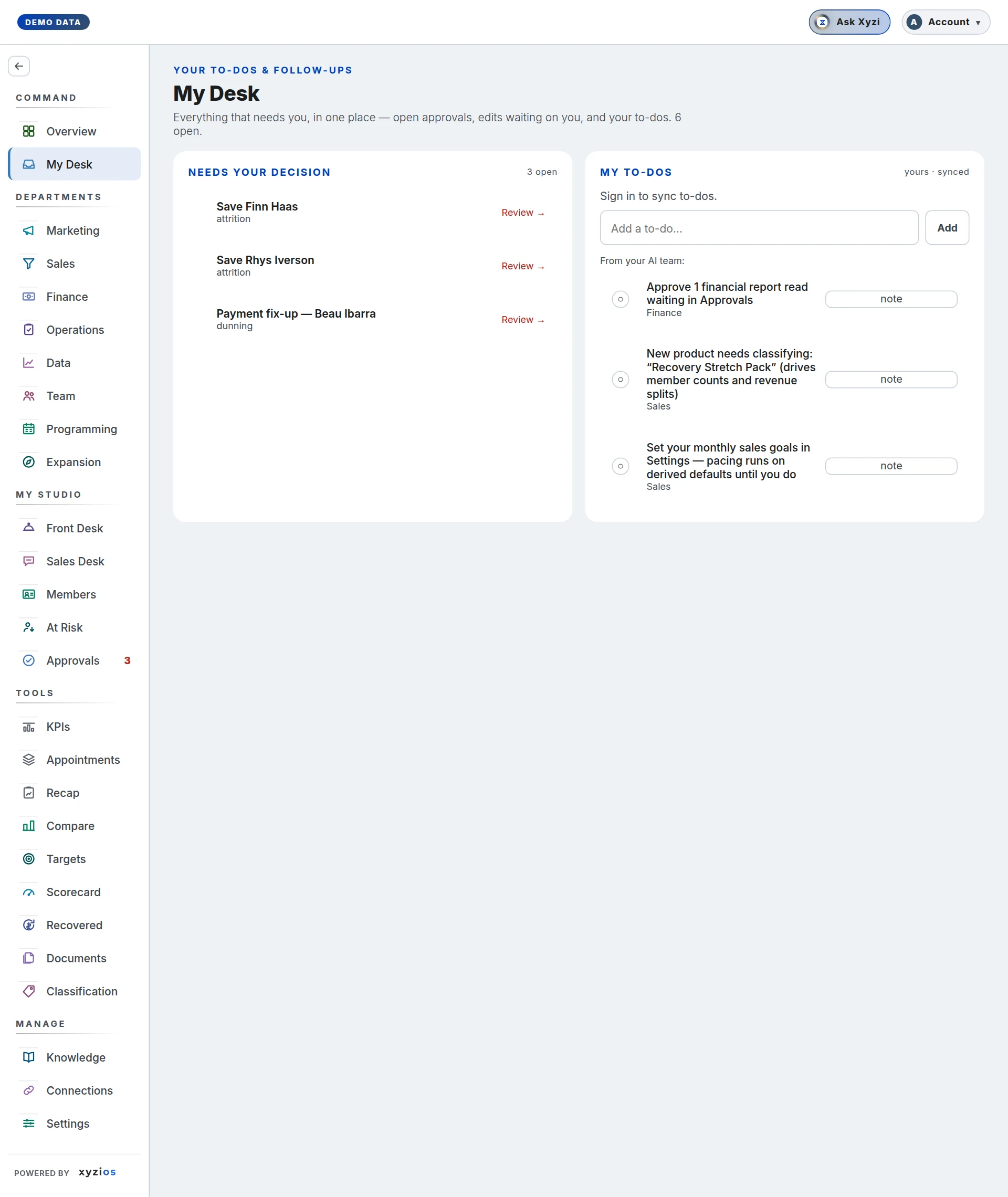
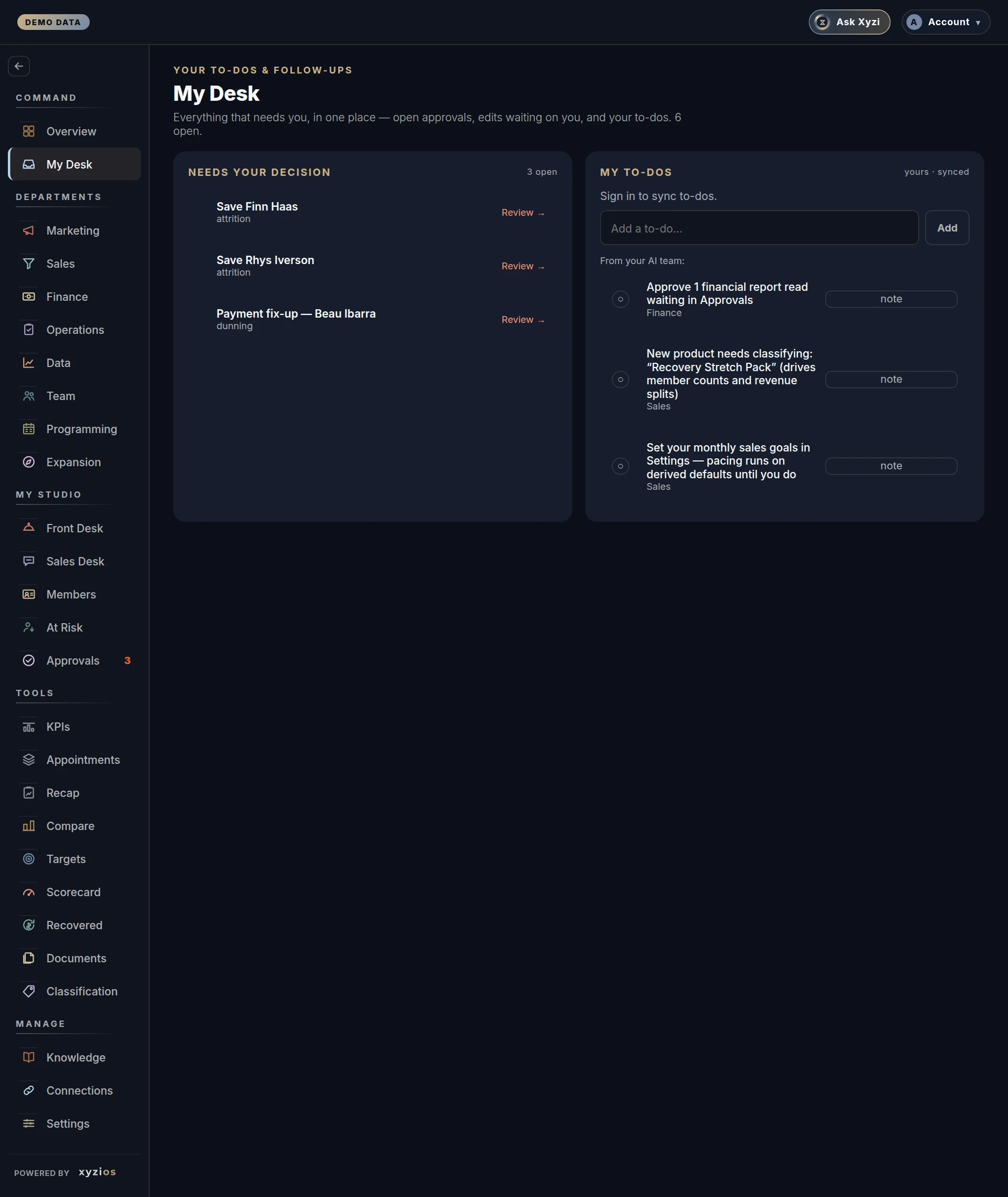
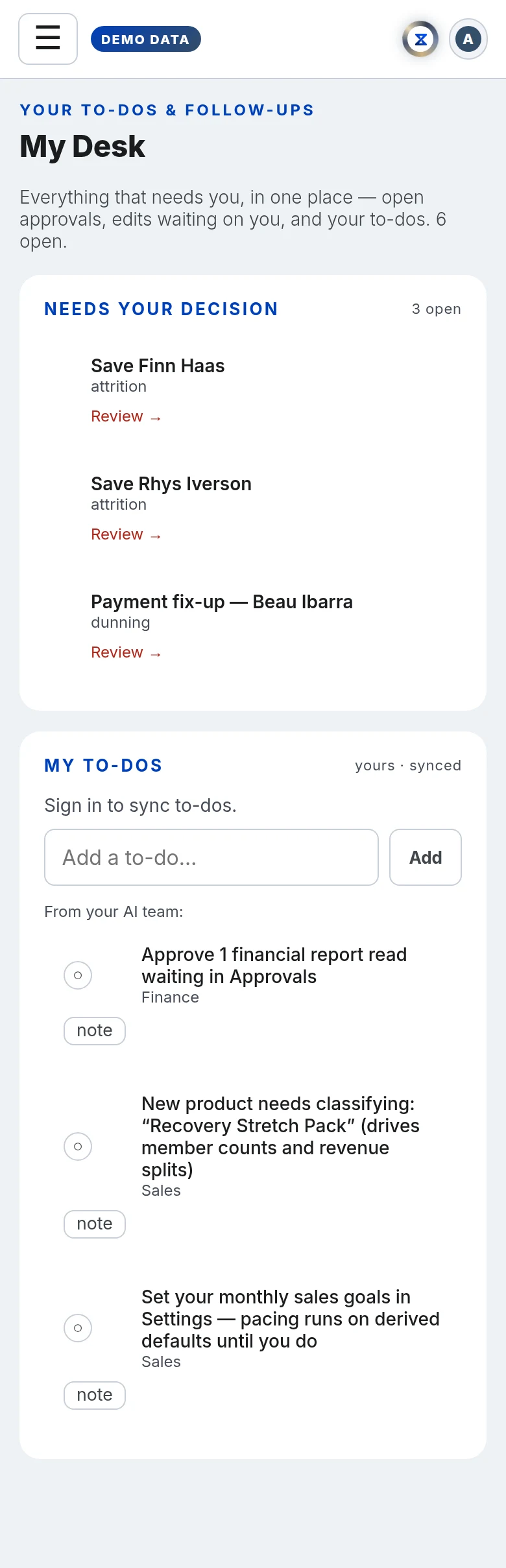
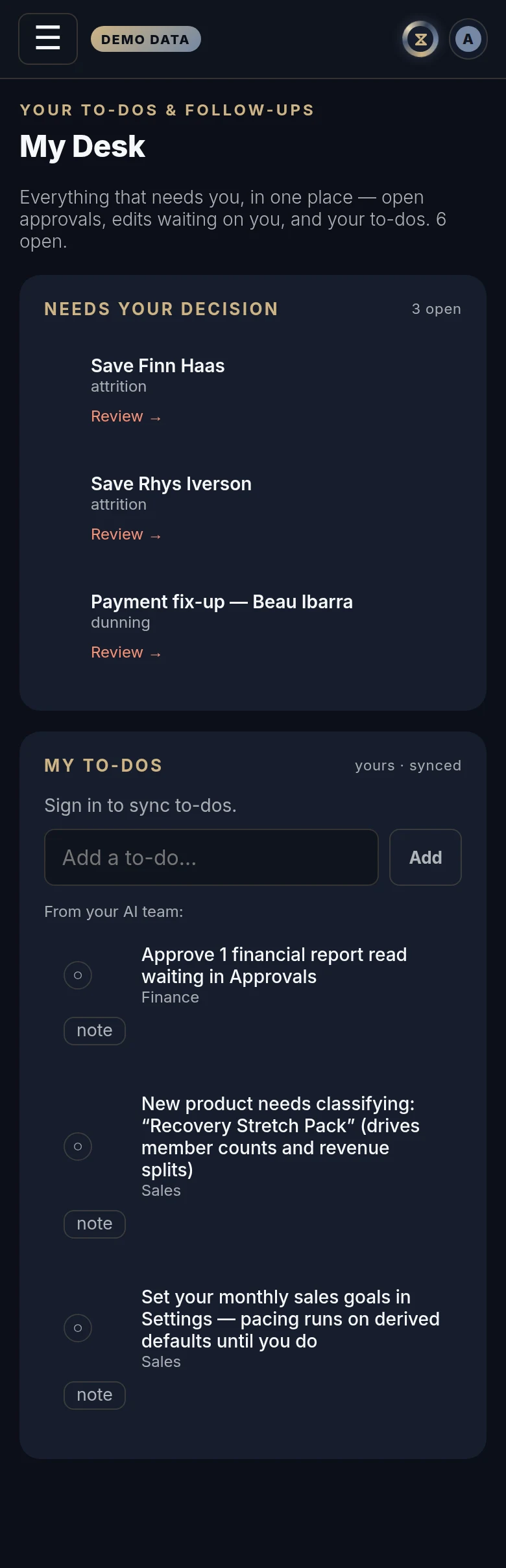
What is waiting on me? My Desk is the owner’s queue: the approvals that need a decision, the to-dos you keep for yourself, and the small number of studio chores your AI team found overnight. The line under the title counts how many are open.
How to read it
Two panels side by side.
1Needs your decision lists every approval that is still pending, or approved but not yet sent. Each row shows the title, which AI employee raised it and its risk level, with Review → to open it on Approvals. When there is nothing, it says so.
2My to-dos (yours · synced) is your own list. It is saved to your account, so it follows you to any device. A ticked item is struck through; × deletes it.
Under your list, 3From your AI team: holds the items the nightly pass found. They are facts, not prose, and each one points at a real click:
- financial report reads waiting in Approvals
- bank transactions that need a category on the Finance P&L panel
- products the classification wizard has not seen (at most three, plus a line saying how many more are in Settings)
- sales goals never set, so pacing is running on derived defaults
- no Studio Brief in Knowledge yet
- setup gaps on a presale location
A product item carries category buttons (Intro, First class, Membership and so on) so you can classify it without leaving the board. The word under an item says which part of the studio it belongs to.
Completed (history) lists the last ten AI-team items you checked off, with the date.
Location managers, front desk and instructors are not sent this board; directors are. A studio that wants a manager on the queue can grant My Desk in Settings → Permissions.
What to do here
- Tap Review → on an approval to decide it on Approvals.
- Type in Add a to-do… and press Enter or Add.
- Tap ○ to tick a to-do; tap ✓ to untick it; × removes it.
- Tap ○ beside an AI-team item to mark it done. It moves to Completed and does not come back unless its situation genuinely recurs. If the save fails you see “Could not save — the item is still open.” and the item stays put.
- On a product item, tap the category that fits. It is classified straight away and the item retires; counts update on the next refresh.
- Tap note on an item to keep a line for yourself, then Save note. Notes are kept in this browser only.
Common questions
An item I ticked off is back.
Standing items stay done. One returns only when the situation is new — a fresh unclassified product, another month with no goals set — so a return is information, not a fault.
Why does the count at the top differ from the Approvals badge?
Both count the approvals that need you; My Desk adds your open AI-team items on top.
My note is missing on my phone.
Notes are kept in the browser you wrote them in and do not follow you. The to-dos above them do.
Why does my location manager not see My Desk?
It is the owner’s queue and mostly names owner chores. Directors have it; managers and the desk do not unless you grant it in Settings → Permissions.
Nothing is listed under From your AI team.
Good: the nightly pass found no gaps. New items appear the morning after something changes.