
What this board answers
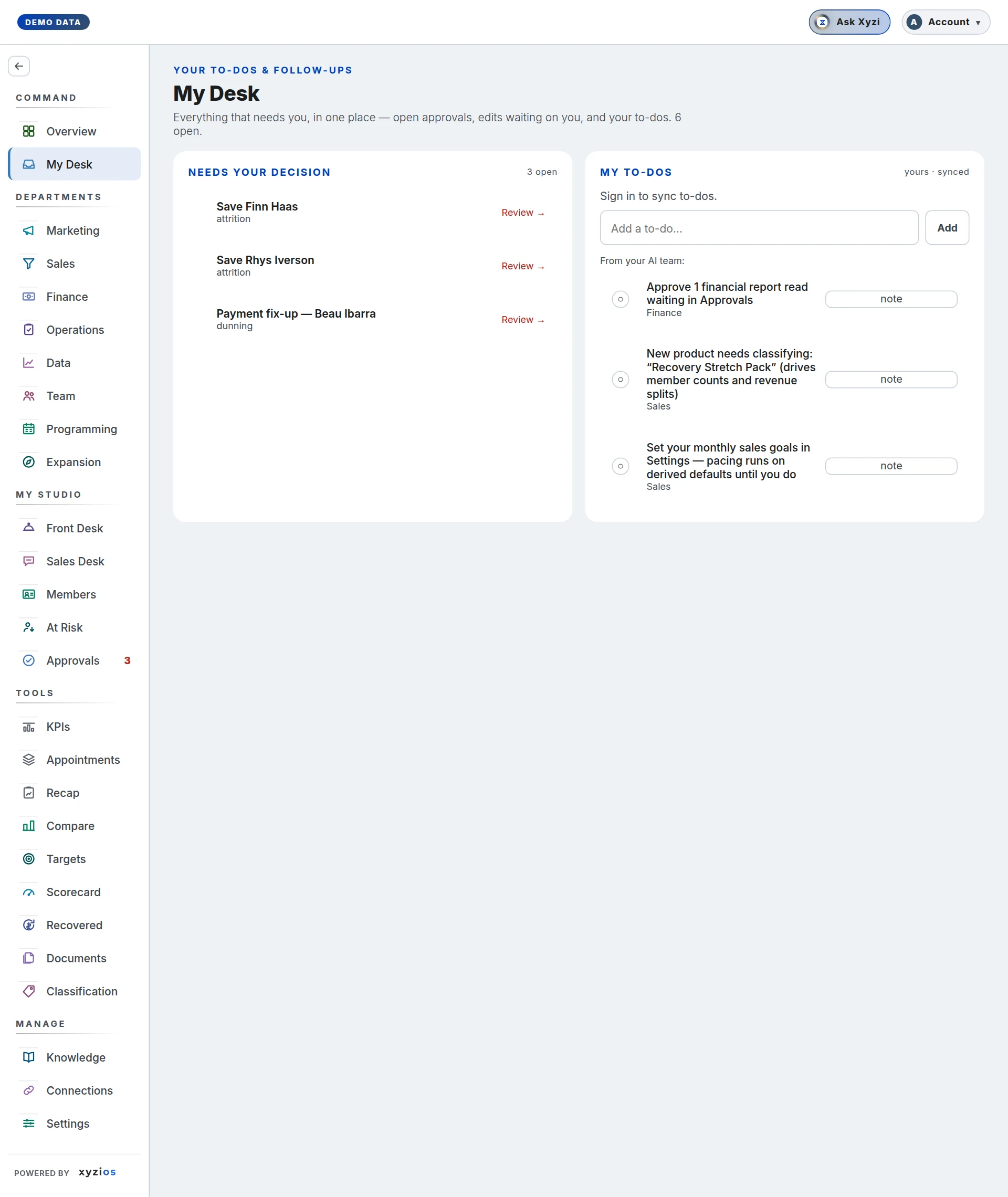
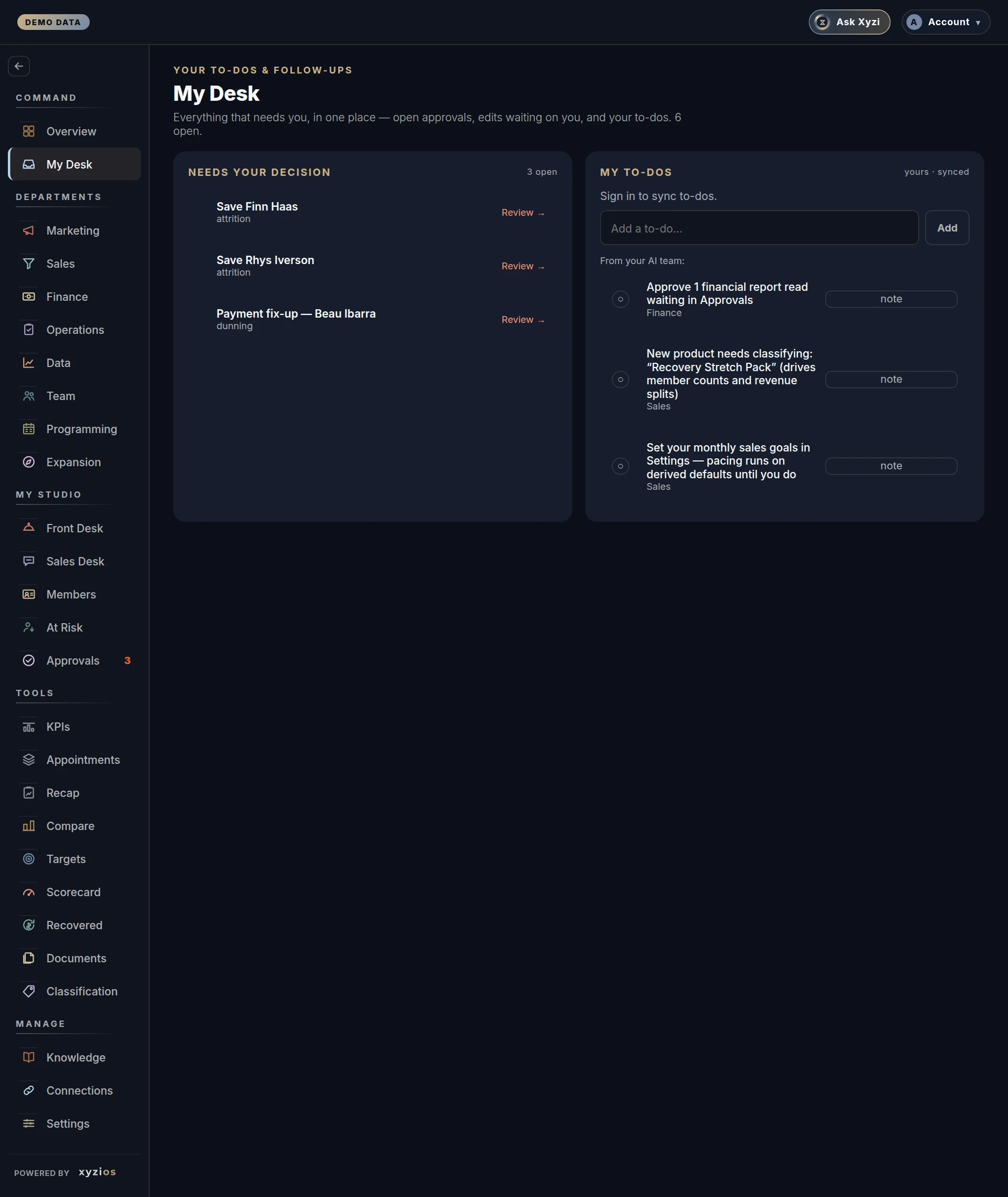
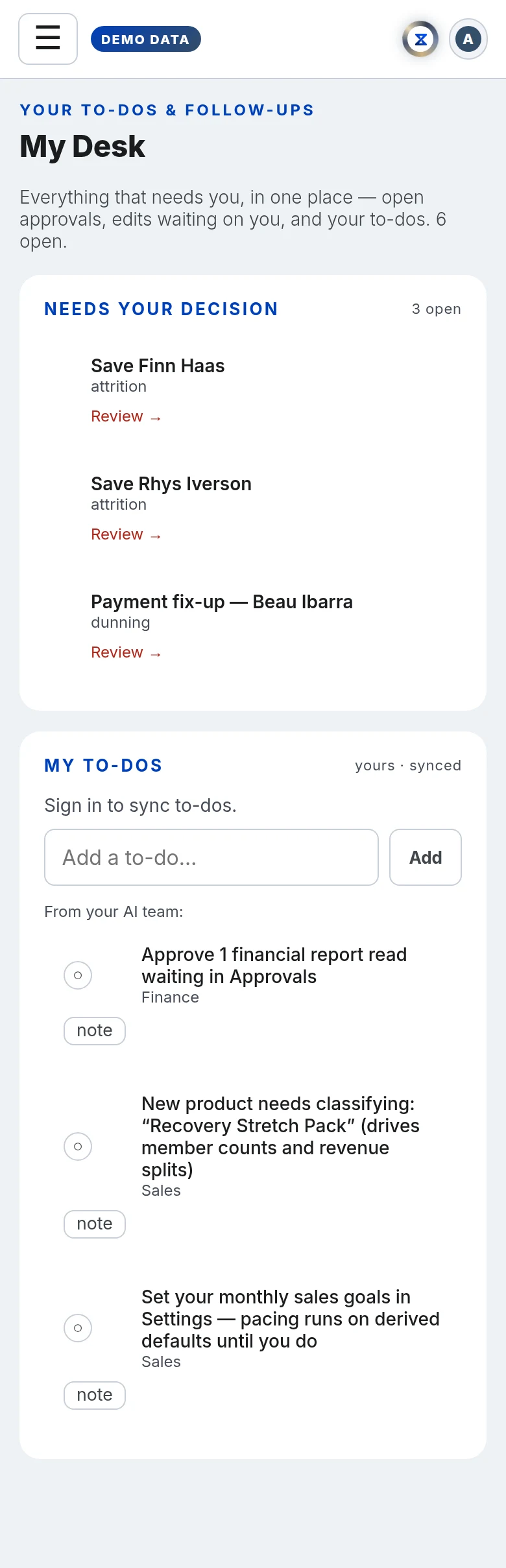
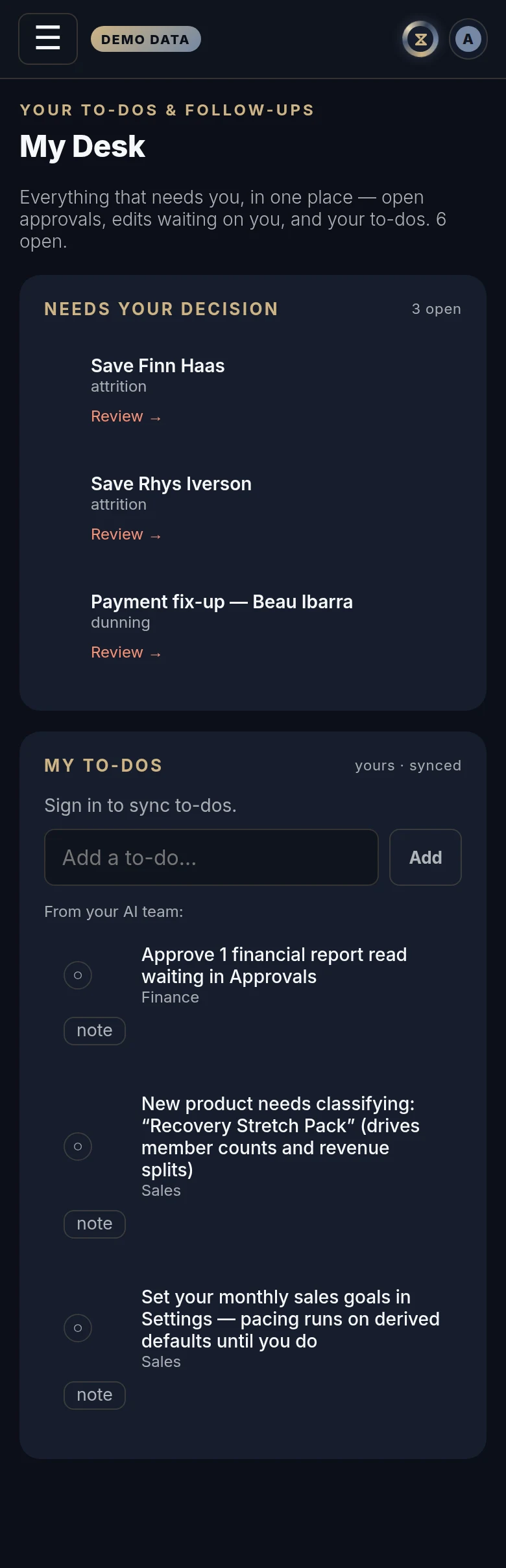
What is waiting on me? My Desk is the owner’s queue: what waits on Approvals, the edits waiting on you, the to-dos you keep for yourself, and the small number of studio chores your AI team found overnight. The line under the title counts how many are open.
How to read it
A summary row, then two panels side by side.
1Approvals across the top is the summary from the top of the Approvals board, for every location: what is waiting for you and the monthly dues in play, what was sent and published in the last 14 days, and what Recovered Revenue confirmed in the last 30 days when you have that board. Each item is decided on Approvals; tap Waiting for you to go there. If Approvals is not one of your boards, a line says so instead of a count.
2Needs your decision lists the edits waiting on you: drafts in the edit queue that you finish and mark ready, each with Done. As with the AI team’s items below, you see only the ones you can act on. When there are none, it says so.
3My to-dos (yours · synced) is your own list. It is saved to your account, so it follows you to any device. A ticked item is struck through; × deletes it. In your first two weeks, tips arrive here too, a few at a time: each says so, with a link to the board it is about, and ticks off like any other to-do. Any still open after two weeks stop showing.
Under your list, 4From your AI team: holds the items the nightly pass found. They are facts, not prose, and each one points at a real click:
- financial report reads waiting in Approvals
- products the classification wizard has not seen (at most three, plus a line saying how many more are on the Classification board)
- sales goals never set, so pacing is running on derived defaults
- no Studio Brief in Knowledge yet
- setup gaps on a presale location
You see only the items you can act on. One whose board is not one of yours, or whose change is the owner’s to make, such as writing the Studio Brief, is not listed for you. Anyone an item is listed for can check it off, and it is then done for the whole studio: it leaves every desk it was on, the owner’s included.
A product item carries category buttons (Intro, First class, Membership and so on) so you can classify it without leaving the board. The word under an item says which part of the studio it belongs to.
Completed (history) lists the last ten AI-team items checked off at your studio, newest first, with the date and the name of whoever ticked each one.
Location managers, front desk and instructors are not sent this board; directors are. A studio that wants its front desk or instructors on the queue can grant My Desk in Settings → Permissions. A location manager cannot be given it.
What to do here
- Tap Waiting for you to decide what waits on Approvals.
- Type in Add a to-do… and press Enter or Add.
- Tap ○ to tick a to-do; tap ✓ to untick it; × removes it.
- Tap ○ beside an AI-team item to mark it done. It is done for the whole studio, so it leaves everyone’s desk, and it moves to Completed with your name beside the date. It stays off until there is something new (see “An item I ticked off is back” below). If it cannot be saved, a message says why and the item stays on your list.
- On a product item, tap the category that fits. It is classified straight away and the item retires for everyone, as a tick does; counts update on the next refresh.
- Tap note on an item to keep a line for yourself, then Save note. Notes are kept in this browser only.
Common questions
An item I ticked off is back.
A ticked item stays done until there is something new, so a return is information, not a fault:
- Financial report reads come back when another read arrives. Approving some of them never brings the item back.
- Setup gaps come back on the 1st of the month, in your studio’s time zone, while they are still open: sales goals, the Studio Brief, presale goals, launch dates and product mapping, and the line counting more products to classify.
- A product you tick without classifying stays off for good. The next product takes its place the next morning.
- The presale sheet reminder comes back the next day while the sheet is overdue.
An item left my desk and I did not tick it.
Someone else it was listed for checked it off, or classified the product, and that makes it done for the whole studio. Completed says who and when.
Ticking an item says it is no longer on the list.
Its situation cleared after your page loaded, for example when the nightly pass found the gap filled. Refresh to see the current list.
Why does the count at the top differ from the Approvals badge?
Both count the approvals that need you; My Desk adds your edits and open AI-team items on top.
My note is missing on my phone.
Notes are kept in the browser you wrote them in and do not follow you. The to-dos above them do.
Why does my location manager not see My Desk?
It is the owner’s queue and mostly names owner chores. Directors have it; the front desk and instructors do not unless you grant it in Settings → Permissions, and location managers cannot be given it.
Nothing is listed under From your AI team.
The nightly pass found nothing for you: no gaps, or none you can act on. New items appear the morning after something changes.